Make a Transparent PNG for Free
Remove the background from a JPG, PNG or WebP and download a transparent PNG for free. Clearcutt edits on your device with no watermark or sign-up.
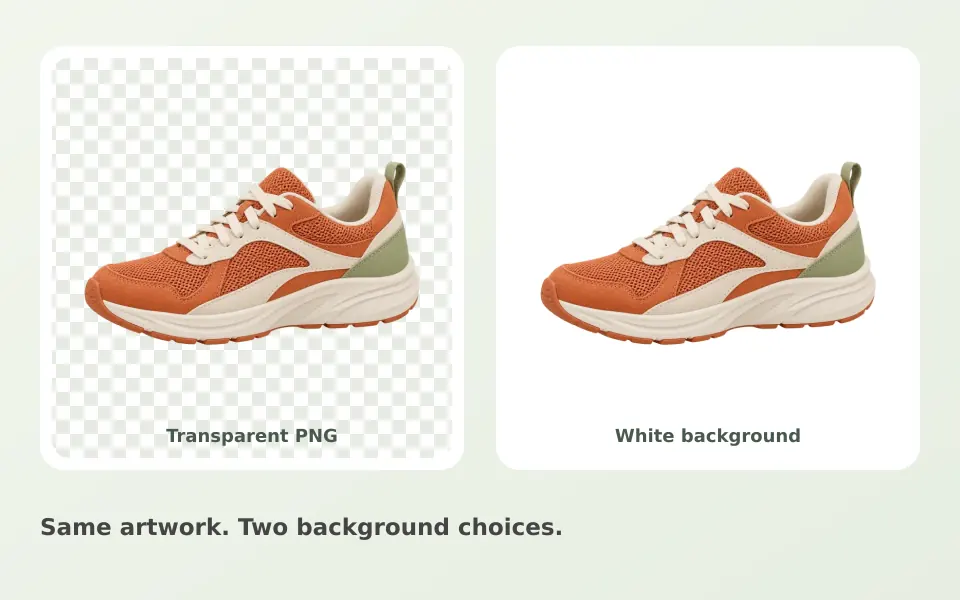
How to make a transparent background PNG
Open the free background remover and choose a JPG, PNG or WebP up to 20 MB and 25 megapixels. After processing, leave the checkerboard selected and download the PNG with alpha transparency. Use Erase or Restore if the cutout needs cleanup. The background removal guide explains how to refine edges.
How PNG transparency works
PNG stores an opacity value for each pixel, so a pixel can be fully transparent, fully opaque, or partly transparent at the edge of your cutout. The editor’s checkerboard is a visual guide and is not included in the downloaded image. Partly transparent edge pixels can help the cutout blend into a layout.
Verify the transparency before you download
Compare Original and Result to check the cutout, and use Erase and Restore to correct the mask where it went wrong. Some image viewers display transparent areas against white or black, which can look like a solid background. Place the exported file over a colored page or background to confirm the transparency is really there.
What Trim empty edges does
Trim empty edges crops the unused transparent canvas around the subject, so the download contains just the cutout. Leave it off to keep the photo’s original dimensions when your layout expects them. Trimming changes the canvas size only, not the level of transparency in the pixels themselves. Trimming helps most when the subject fills only part of the frame, such as a vehicle shot with a lot of empty driveway around it; the car background remover covers what to check on a vehicle cutout first.
Why PNG and not JPG
The JPEG format cannot store per-pixel transparency, so a transparent cutout has to be a PNG. Clearcutt exports transparent PNGs at full output size without a watermark. If you need a solid background instead, choose white, a color, or a background photo in the editor.
Graphics and logos
You can try graphics with a clear foreground, but fine lettering and internal spaces may need correction with the brushes. The AI identifies subjects rather than selecting every logo color precisely. Clearcutt does not vectorize artwork or export SVG. For cutouts you plan to place on white in a catalog, see the product photo guide.
Frequently asked questions
Is the checkerboard included in my downloaded PNG?
No. The checkerboard is only a visual indicator of transparency in the editor. The downloaded PNG contains alpha transparency wherever the background was removed.
Can I save a transparent JPG?
No. The JPEG format cannot store per-pixel transparency, so a transparent cutout has to be exported as a PNG. Clearcutt’s download button exports a PNG at full output size.
What does the Trim empty edges option do?
It crops the empty transparent canvas around the subject so the PNG contains just the cutout. Leave it unchecked if you need the original image dimensions, for example for a layout that expects them.
My PNG looks like it has a white or black background in another app. Is the transparency gone?
Probably not. Many viewers render transparent pixels against white or black by default. Place the file over a colored background or a web page to confirm the alpha channel is present.
Do partly transparent edge pixels survive the export?
Yes. Edge pixels can be partly transparent, which helps the cutout blend into a new background. Over-erasing hardens the edge, so use the Restore brush to bring back soft areas you removed by mistake.