Remove Animal and Pet Photo Backgrounds
Make pet cutouts, inspect fur edges and save transparent animal PNGs with Clearcutt.
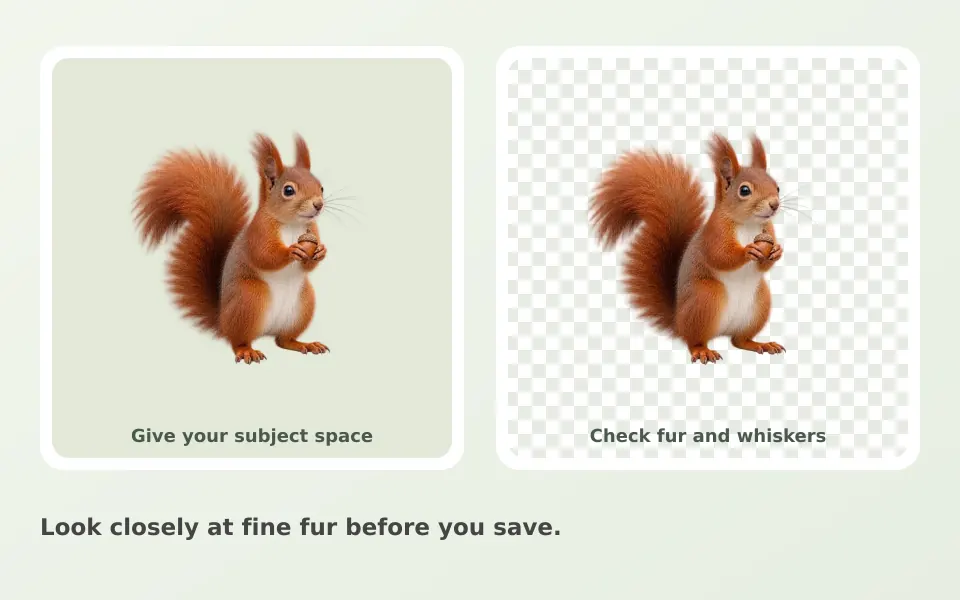
The short answer for pet photos
Upload a sharp photo of your pet, let the model find the animal on your device, refine fur edges with the brushes, and download a transparent PNG at full output size and without a watermark. Desktop Chrome or Edge is recommended, and your photo stays on your device.
Choose a clear animal photo
Start with a sharp photo where ears, paws and tail are visible. Contrast between fur and backdrop makes the edge easier to inspect. A pet that fills the frame with a plain background behind it gives the model the cleanest outline to work with.
Standard or Detailed mode
Standard mode uses the original 98 MB model and is enough for most pet photos; Detailed mode can download up to 473 MB and can help with fine fur against a similar-colored backdrop. If your computer has limited memory or a slow connection, try Standard first and only switch to Detailed when the fur edges clearly need it.
Refine fur and small gaps
Inspect whiskers, the spaces between legs and the tail. Erase leftover background and Restore missing parts of the animal with small brush strokes. Fine fur on a similar-colored backdrop may need another editor; perfect edge separation is not guaranteed.
Export for a creative project
Keep transparency for a collage or invitation, or add a color or background photo. Your selected image stays on your device. The current editor handles one photo at a time. The background removal guide walks through every tool if you are new to the editor.
Frequently asked questions
Is Clearcutt good with fur and whiskers?
Often, but not always. The model handles clear fur edges well, while fine fur against a similar-colored backdrop can need brush work. Whiskers and the gaps between legs are worth checking closely before you download.
Which mode should I use for pet photos?
Start with Standard mode, the original 98 MB model, which is enough for most pets. Switch to Detailed mode, up to 473 MB, when fine fur against a similar-colored backdrop clearly needs more accuracy.
Does the download have a watermark or reduced size?
No. The PNG downloads at full output size without a watermark. If you need to crop the empty canvas around the pet, use the Trim empty edges option before downloading.
Can I make a cutout of my dog or cat for a print or invitation?
Yes. Keep the transparent background and place the PNG into your layout, or choose a solid color in the editor. The transparent background guide explains how to check the transparency in other apps.
Does Clearcutt blur or replace the background behind my pet automatically?
No. Clearcutt removes the background and lets you choose the replacement yourself: transparency, a solid color, or a photo you add. It does not blur backgrounds or generate new ones.