Remove Product Photo Backgrounds for Free
Create product cutouts and white-background listing images with Clearcutt’s private browser editor.
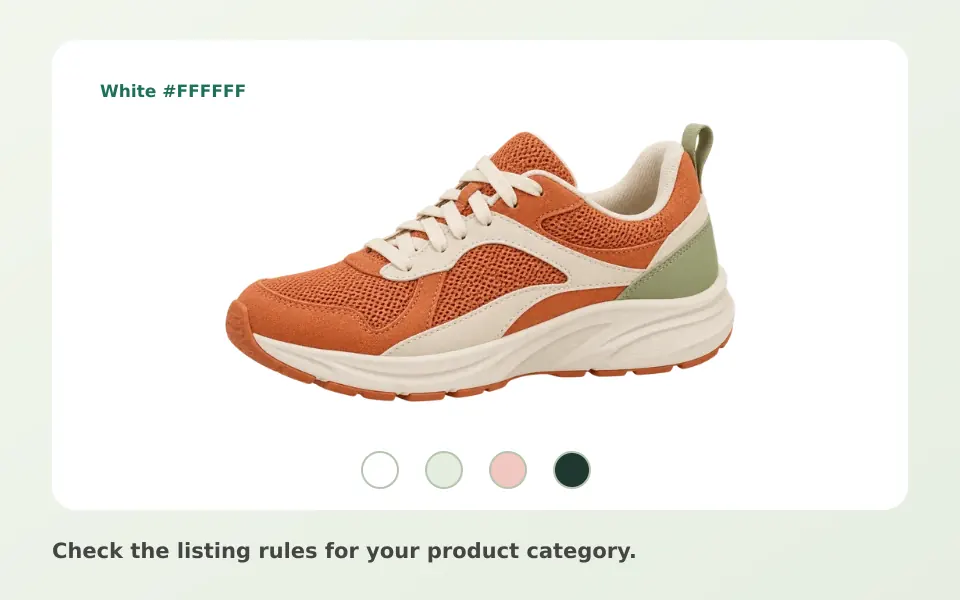
Cut out a product in your browser
Photograph one product, upload the JPG, PNG or WebP to Clearcutt, and let the model run on your device. Check the cutout with Original and Result, clean the mask with Erase and Restore, then choose white or transparency and download a PNG at full output size without a watermark. Your product photos are never uploaded to a server.
Prepare a clear product photo
Photograph one product in even lighting with space around its edges. A plain contrasting backdrop helps you inspect the cutout. Sharp focus matters more than the camera: a crisp outline gives the model cleaner edges to find, and it makes your brush corrections easier to judge.
White background or transparent PNG
Choose white for a consistent catalog appearance, or transparency for packaging and design layouts. Check your marketplace’s own listing rules: Clearcutt does not certify compliance. Export PNG to retain transparent areas. The transparent background guide explains how to verify alpha transparency in the exported file.
Inspect the details
Check handles, cables, holes and reflective edges. Use Erase and Restore to clean the mask. Glass and shiny surfaces may retain background colors and need further editing. Zooming into the edges while comparing Original and Result is the fastest way to find leftover fragments or missing parts.
Work through a catalog, one photo at a time
The editor handles one photo per run, so refresh the editor between products and download each PNG before starting the next. Batch processing is not available today, and there is no public API or marketplace integration. For the full tool-by-tool workflow, see the background removal guide.
What Clearcutt does not do
Clearcutt does not generate realistic shadows or reflections, resize or compress images, or produce synthetic studio lighting. Keep the product’s real condition visible and follow your platform’s image rules. An honest listing photo serves you better than a polished but misleading one.
Frequently asked questions
Does Clearcutt make my product photos compliant with marketplace requirements?
No. Clearcutt removes and replaces backgrounds; it does not certify compliance with any marketplace’s listing rules. Always check the current requirements of the platform you sell on before uploading.
Can I export a JPG for my product listings?
Yes. Choose Download JPG for an opaque photo or Download PNG to keep transparency. Both export without a watermark and preserve the photo dimensions unless Trim empty edges is enabled.
Can I process a whole product catalog at once?
Not currently. The editor works on one photo per run and batch processing is not available today. There is no public API for automation either.
Why does my glass or shiny product keep some of the old background?
Transparent and reflective surfaces confuse edge detection because the product literally shows the background. Use the Erase and Restore brushes to correct the mask; heavy reflections may need retouching in another editor.
Does Clearcutt add product shadows for marketplace photos?
No. Clearcutt does not generate synthetic shadows or reflections. A neutral white or solid background keeps the listing consistent; anything more needs to be photographed or edited deliberately.